
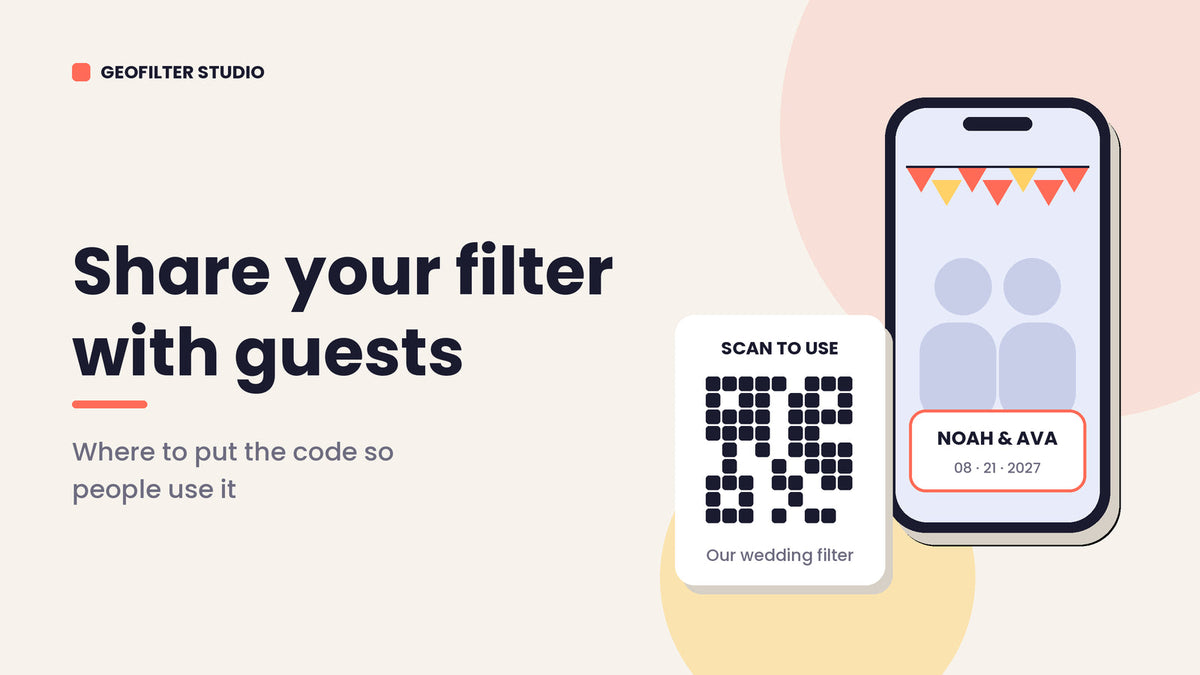
When your filter is ready, we email you a Snapcode or QR code and a link. Guests scan the code or tap the link once, and the filter saves to their camera. Your job is to put the code where guests will see it. Here is what works.
What you get from us
A Snapcode is Snapchat's version of a QR code. For TikTok you get a QR code. Both come with a one-click link that does the same thing.
Before the event
- Text the link to your group chat or wedding party the day before.
- Add the link to your wedding website or event page.
- Print the code on your programs or menus if they have not gone to print yet.
At the event
- Put a card on each table. Our Event Table Card is a print-ready design based on your filter (US$25).
- Stand a poster at the entrance, the bar or the photo area. The Snapcode Poster is a print-ready file (US$34). Printing is not included with either one.
- Ask your MC or DJ to point it out once guests are seated.
- Show the code on a screen or in the slideshow if the venue has one.
How guests open it
Snapchat
Open the Snapchat camera, point it at the Snapcode, and press and hold on the screen. Or tap the link and open Snapchat. The filter is now saved. Next time, open the camera and swipe to find it.
TikTok
Scan the QR code in the TikTok app, or tap the link and then tap Open TikTok. The filter saves to the TikTok camera.
Common questions
Do guests have to be at the venue?
No. The filter opens from the code or link, so it works anywhere.
Do guests need to scan every time?
No. After the first scan the filter is saved to their camera.
What if a guest does not have the app?
They need Snapchat or TikTok installed, whichever platform you ordered. If your crowd is split, add the second platform in the order form.
The filter is not working. What do I do?
Email orders@geofilter.studio and we will sort it out.
Do not have a filter yet? Choose your event to see templates.



Leave a comment
All comments are moderated before being published.
This site is protected by hCaptcha and the hCaptcha Privacy Policy and Terms of Service apply.